Requirements
Phase 1.
- The logo is one of the most important elements of your branding.
- You need to build your entire branding around the logo.
- Colors and typography will be adjusted to align with the logo in the following weeks.
- Think of it as a presentation to your client of your logo design.
Applications
Illustrator
Description
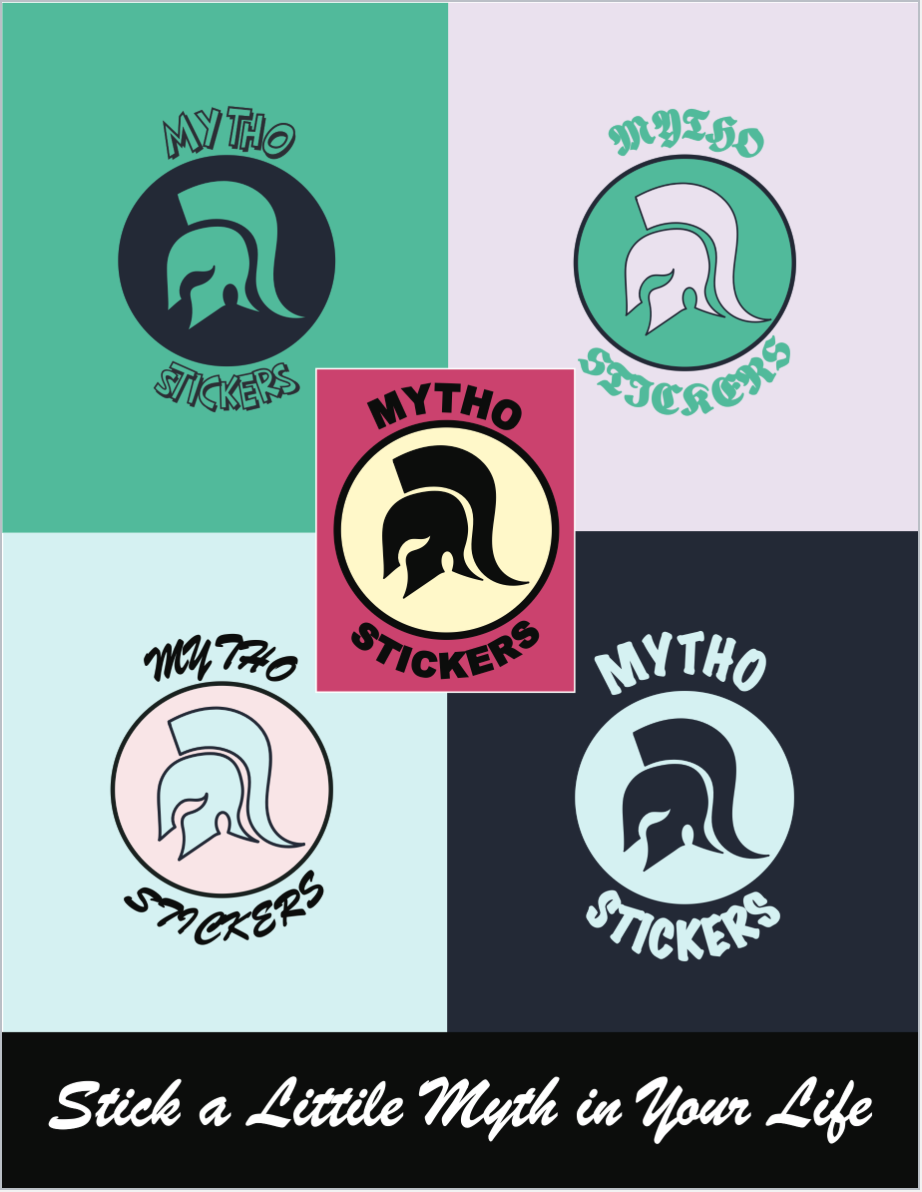
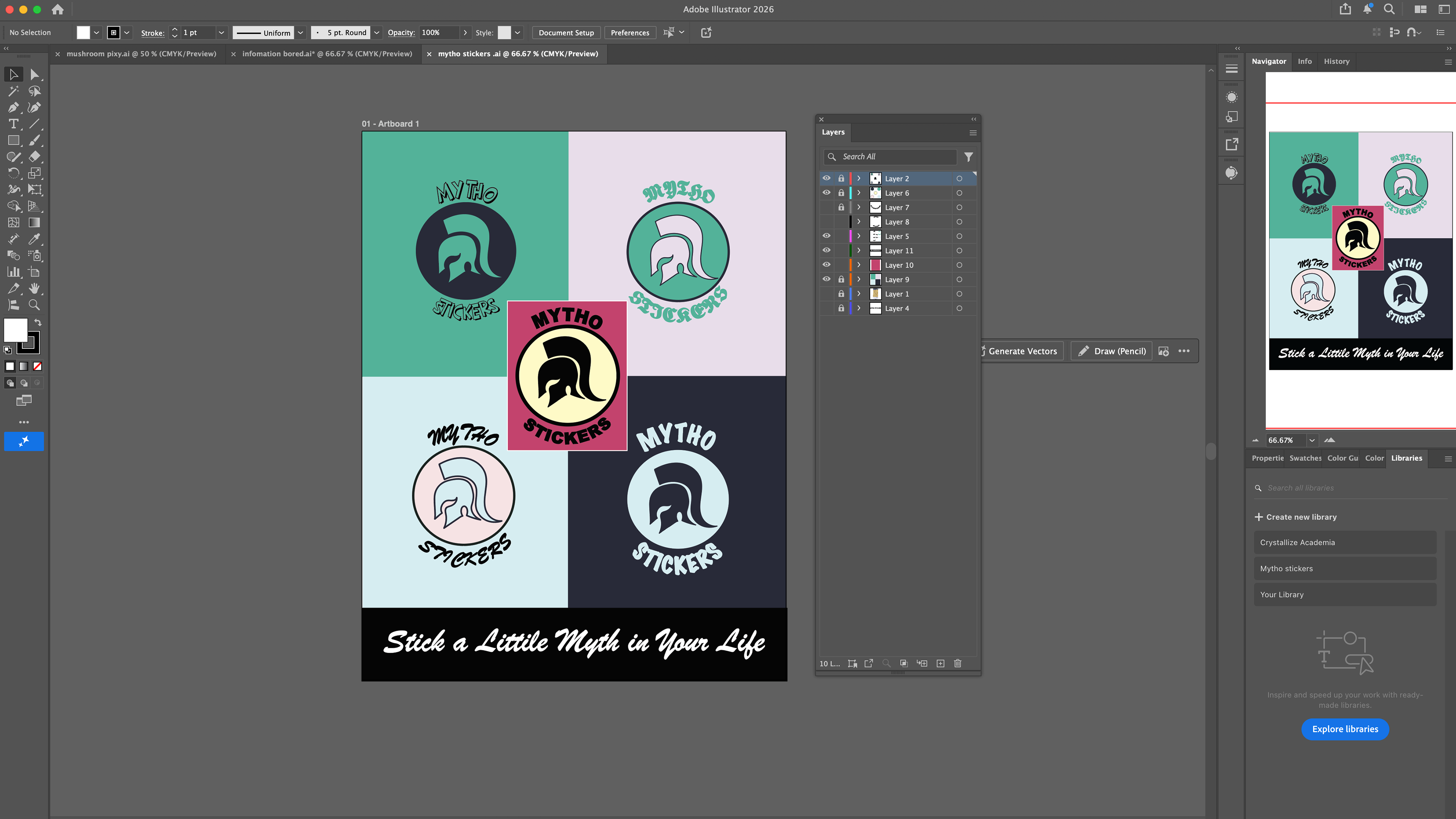
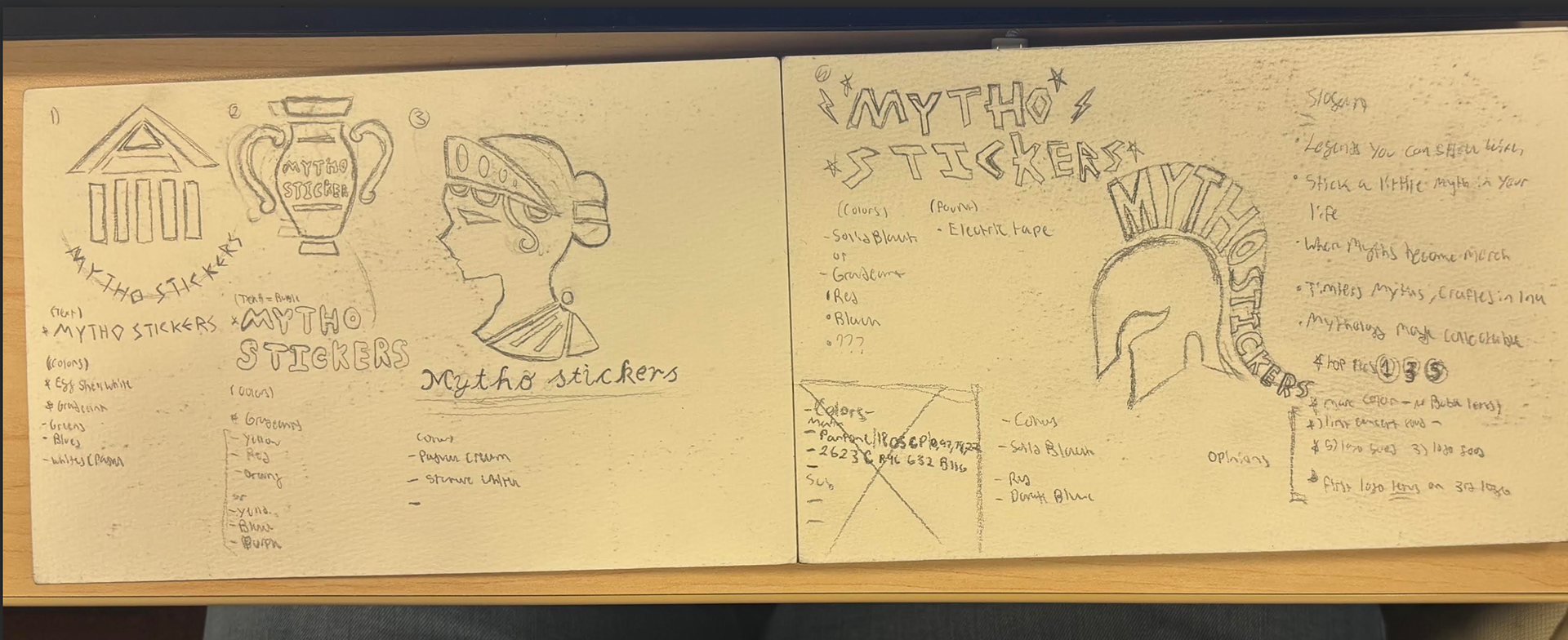
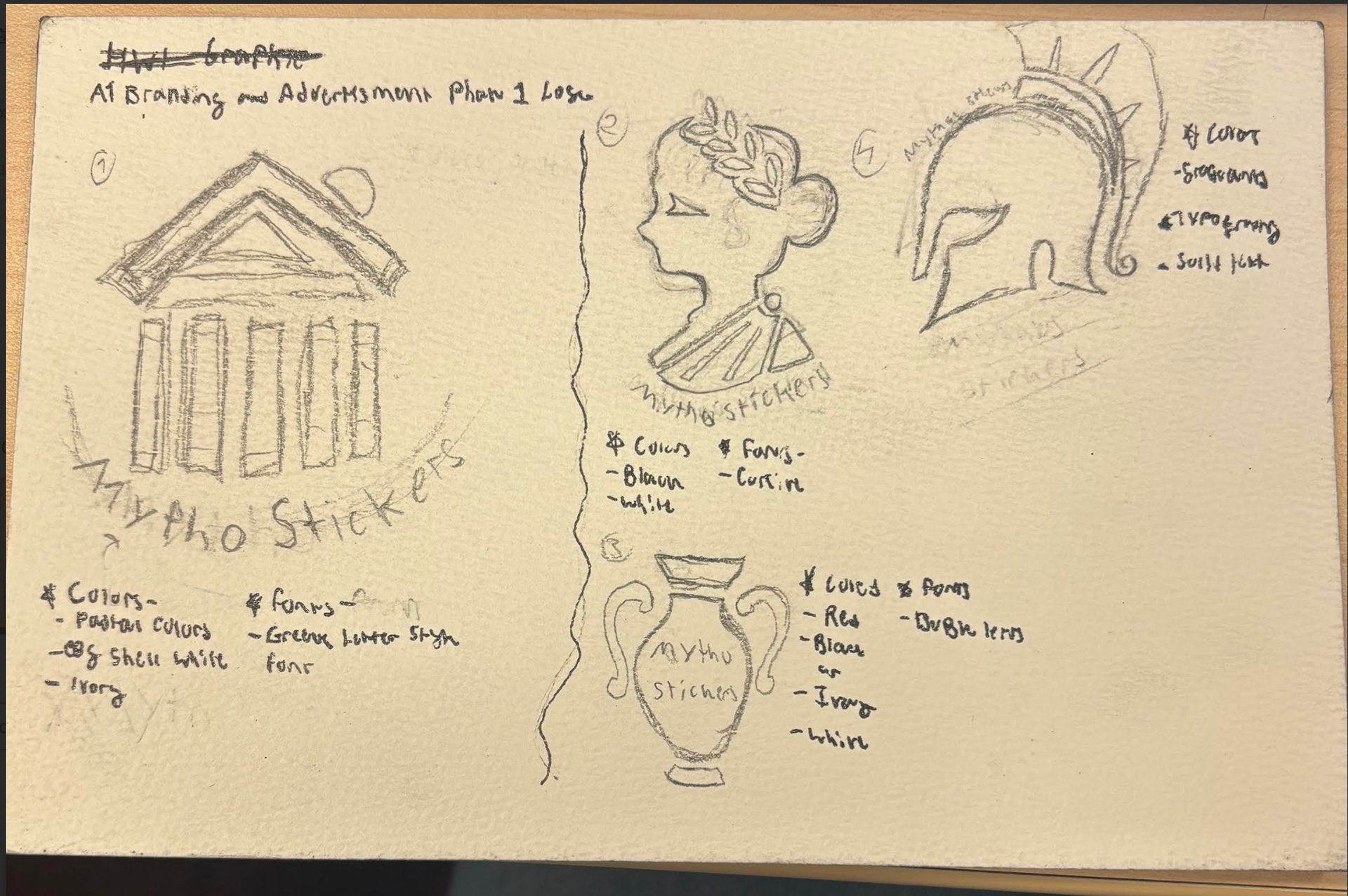
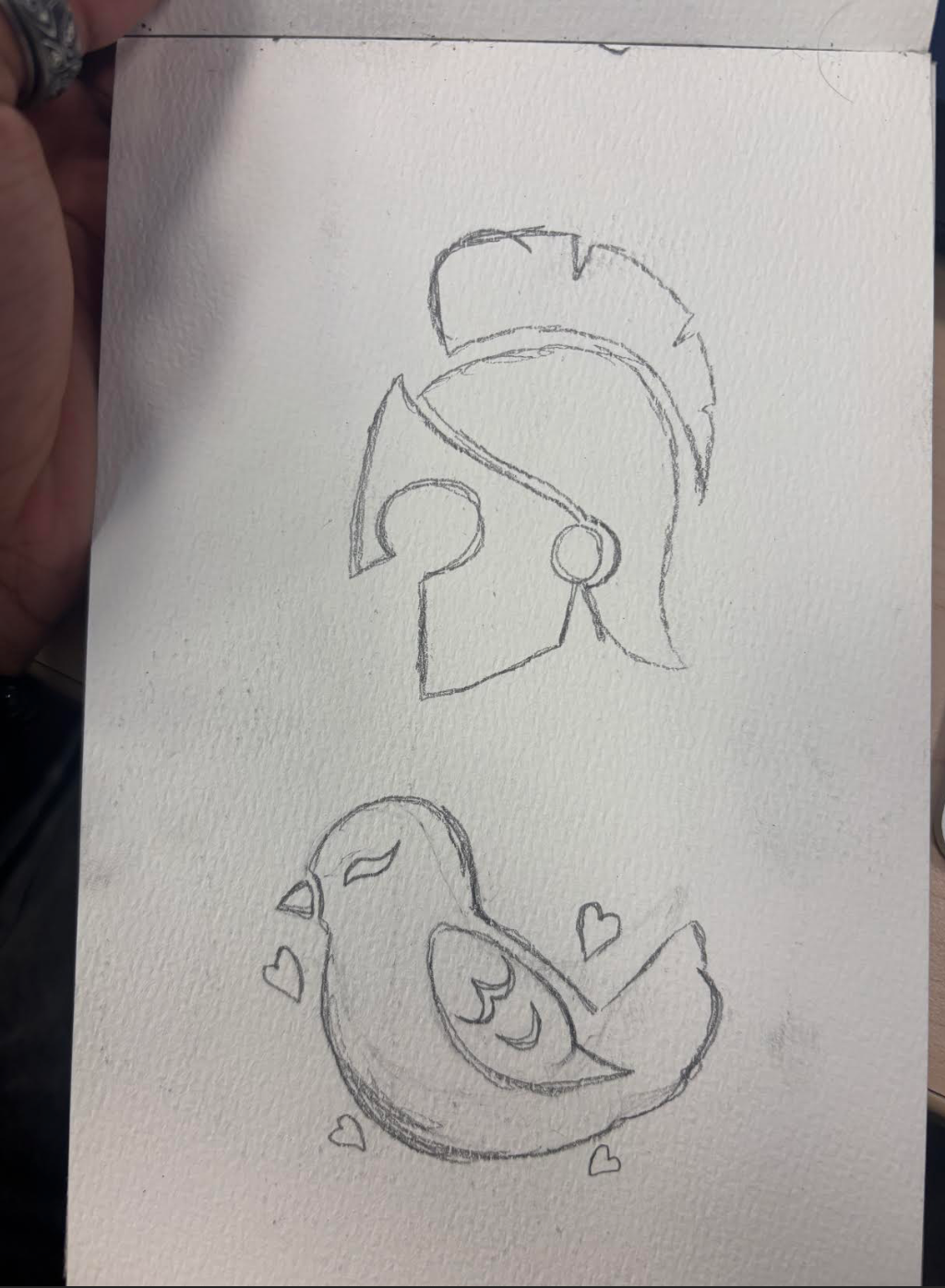
I wanted to create a fun and memorable logo featuring a noticeable symbol from Greek myths. I designed five different versions of the logo to provide a variety of options, but I felt that all five could effectively be used for branding. I chose colors that are vibrant yet not too aggressive, such as pastels or calm hues. Additionally, I created completely different logo versions before selecting the one that fits best. The brand idea behind the logo and product revolves around stickers inspired by Greek myths and stories. I chose this theme due to my generation's fascination with ancient myths, particularly those from Greece.
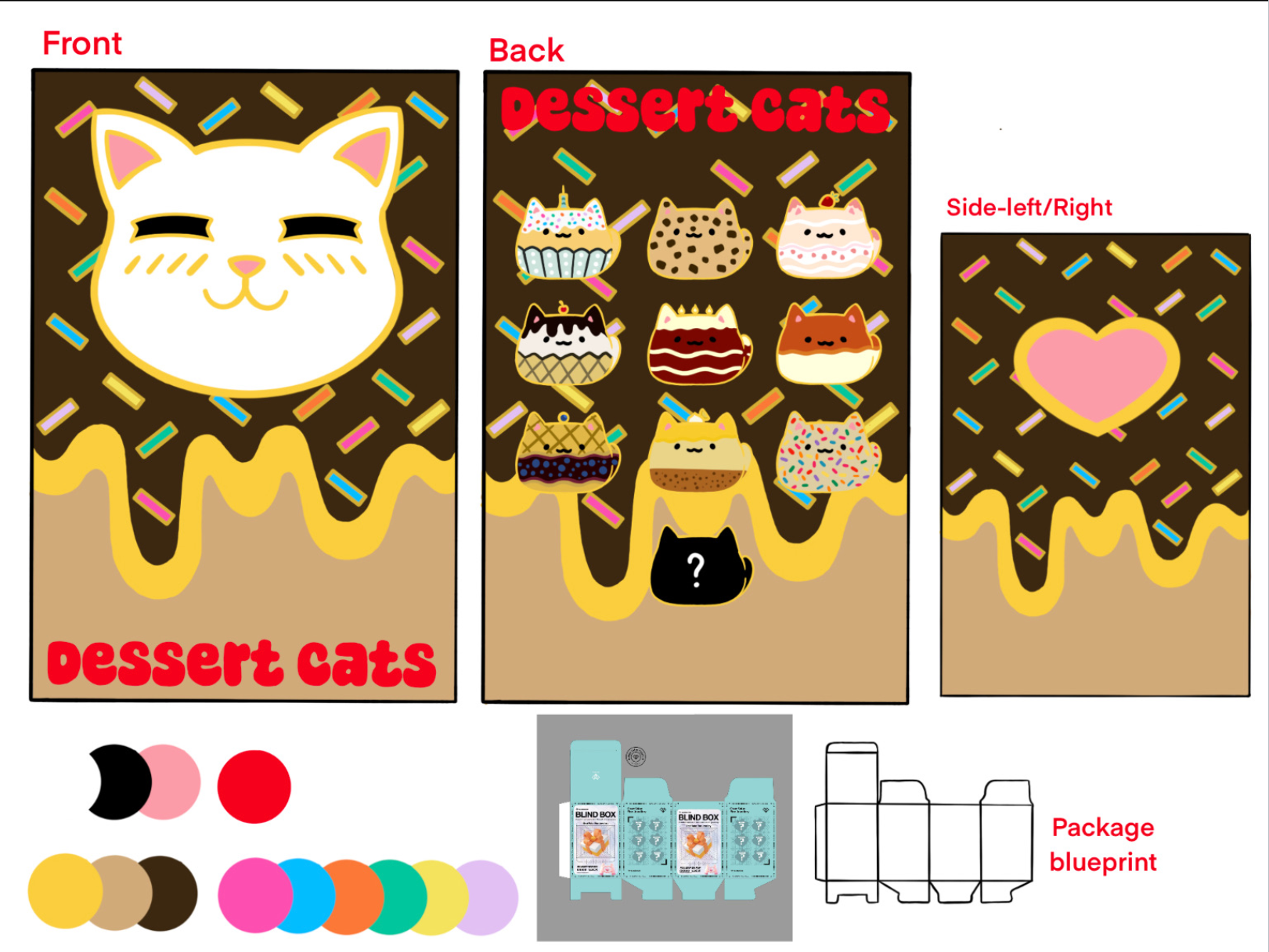
early concept art
Phase 2. Website: homepage design (only homepage)
- Design a homepage for the branded product for which you have already developed a logo.
- Create two versions of the homepage for different platforms:
- Desktop (landscape) - Mobile (vertical)
Applications
Figma
Description
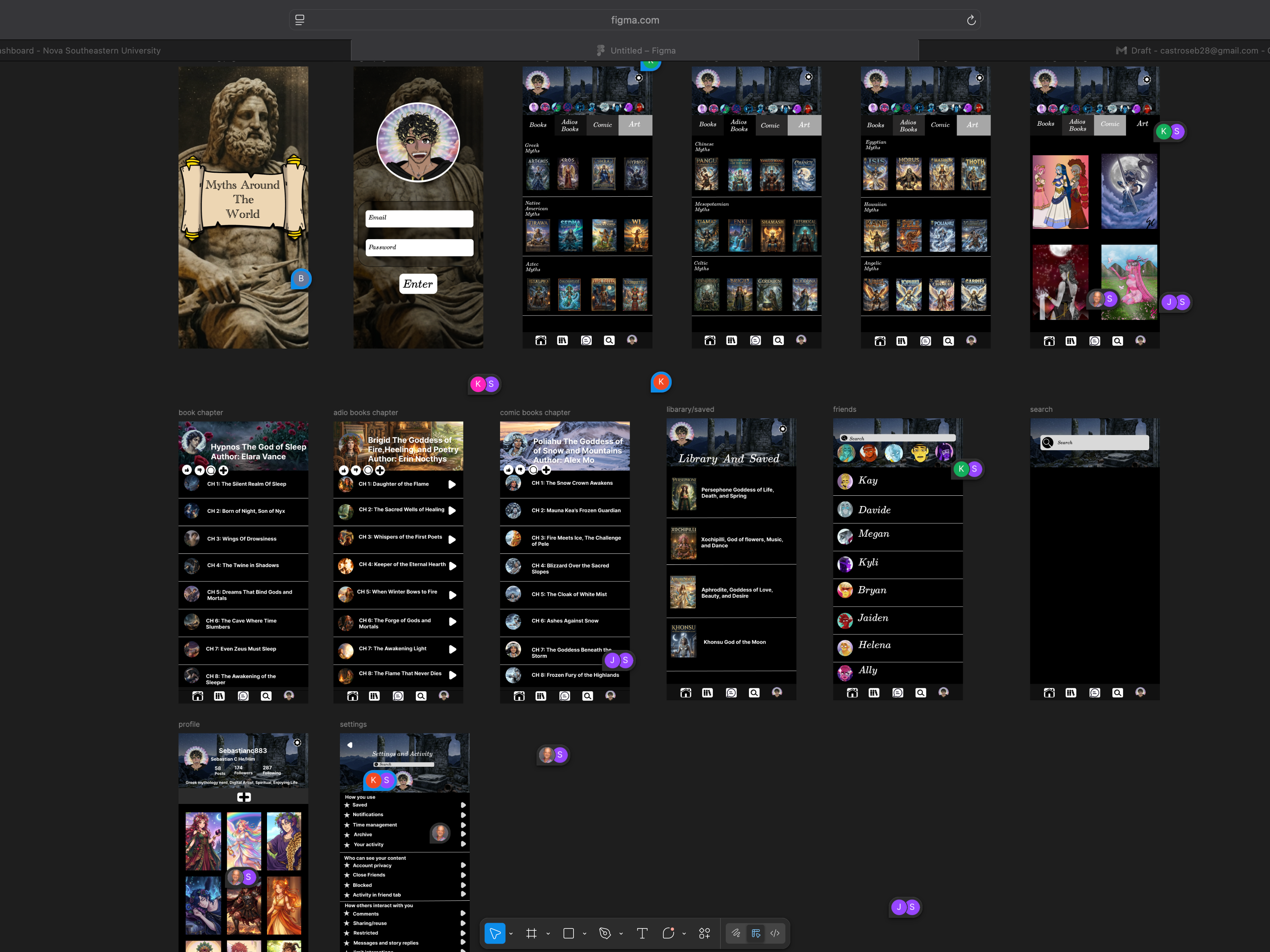
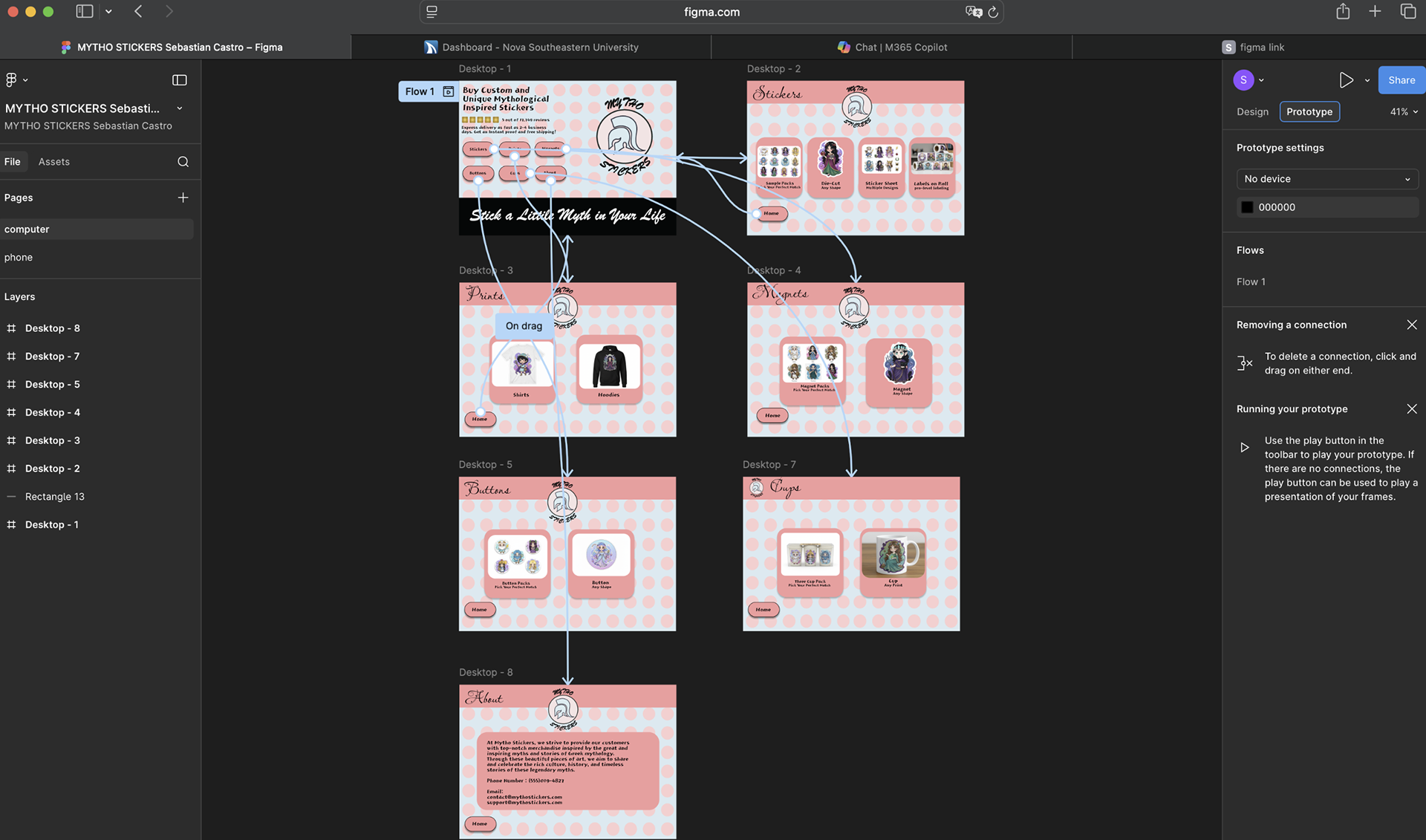
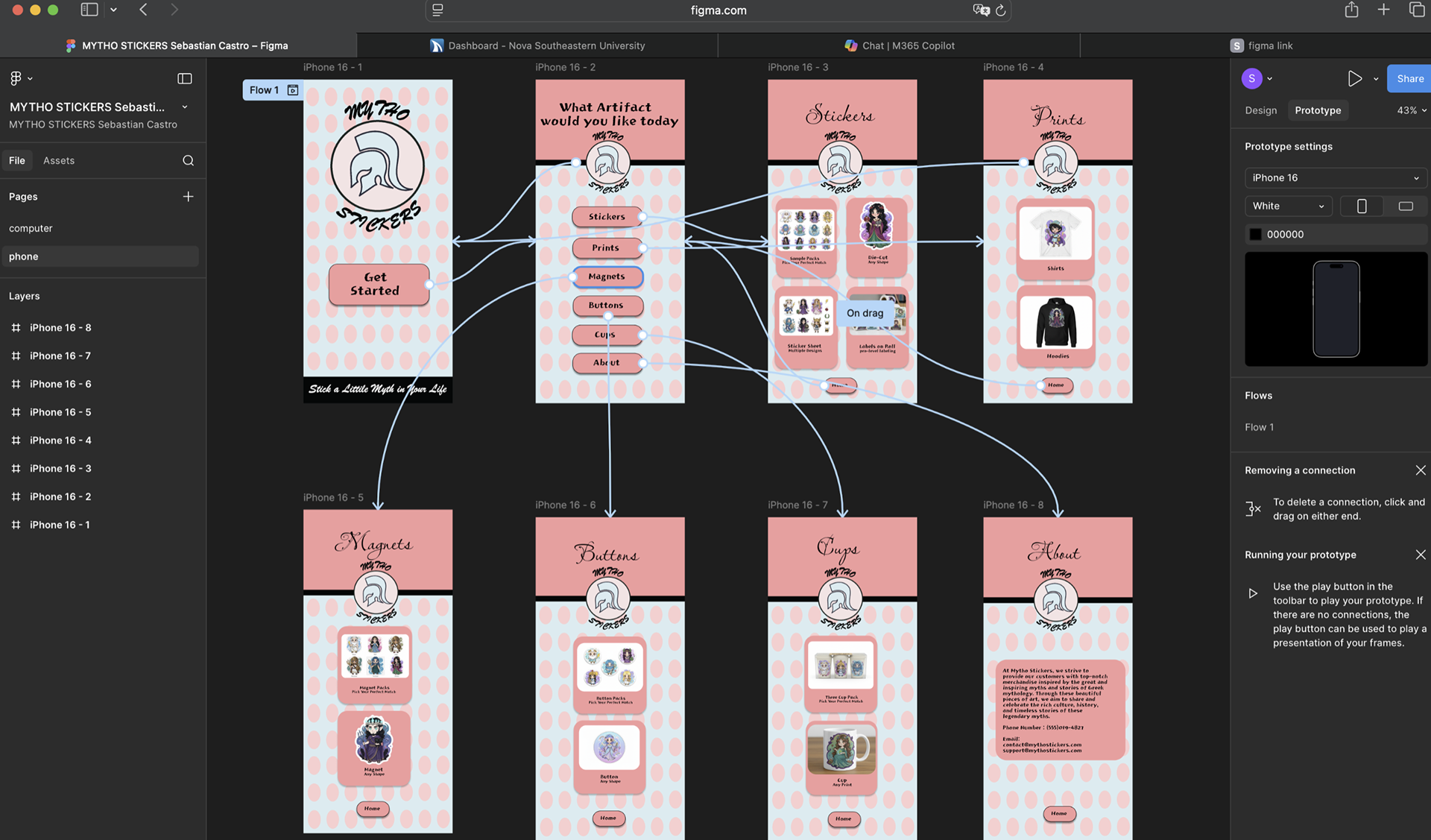
For the project, we were tasked with creating a homepage alongside other pages related to our brand. I designed two versions of the application, one for desktop and another for mobile devices. For both versions, I sampled colors from my logo design, which I created in Illustrator, as well as the logo itself, and transferred them to Figma. In Figma, I created multiple copies of the pages by using the option key and drag shortcut to create identical layouts for each page. The layout design for the desktop version of my application was all done in Figma using shapes and text to bring the piece together. I also used Adobe Firefly to create the product images in the application. For the mobile device application, I utilized all the same elements from the desktop version and rearranged them to fit the device layout. Additionally, I used the prototype tab to create links from one page to another by clicking buttons and symbols, bringing the functionality of the application to life.
Desktop Prototype
Phone App Prototype
Figma Process
Phase 3. Elective
- Select one of the topics below and create a design.
- Submit only one tabloid-sized design at 300 dpi (either landscape or portrait oriented).
- You may create multiple versions of the same design if necessary.
- Think of it as a meeting with your client and aim to present several versions.
- Use the existing logo and branding; everything you create must match and be in harmony with each other.
Topics to Choose From:
- T-Shirt Design
- Pattern Design
- Car Wrap
- Office Branding
- Retail Store Design
- Event or Conference
- Infographics
Applications
Photoshop
Description
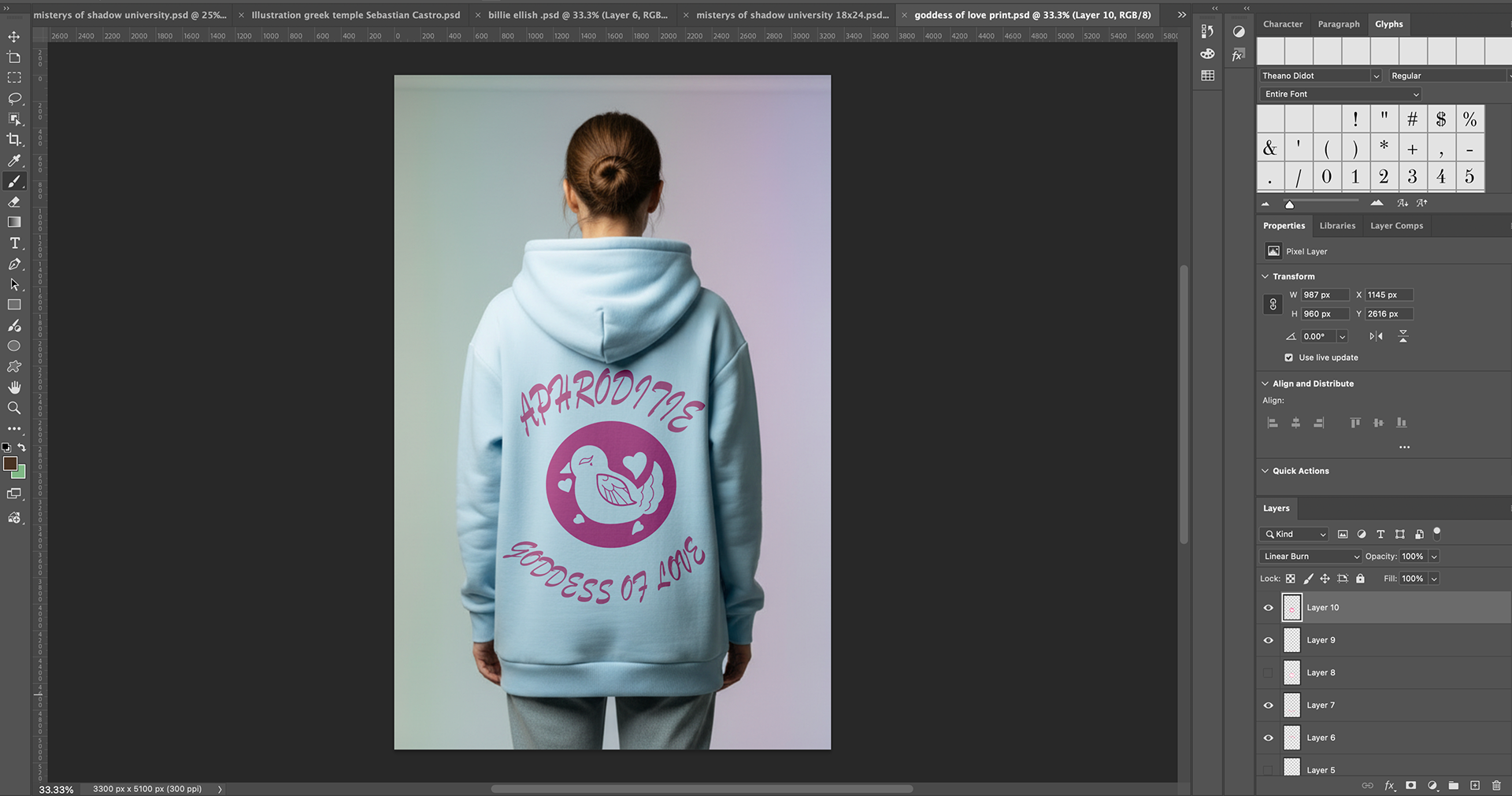
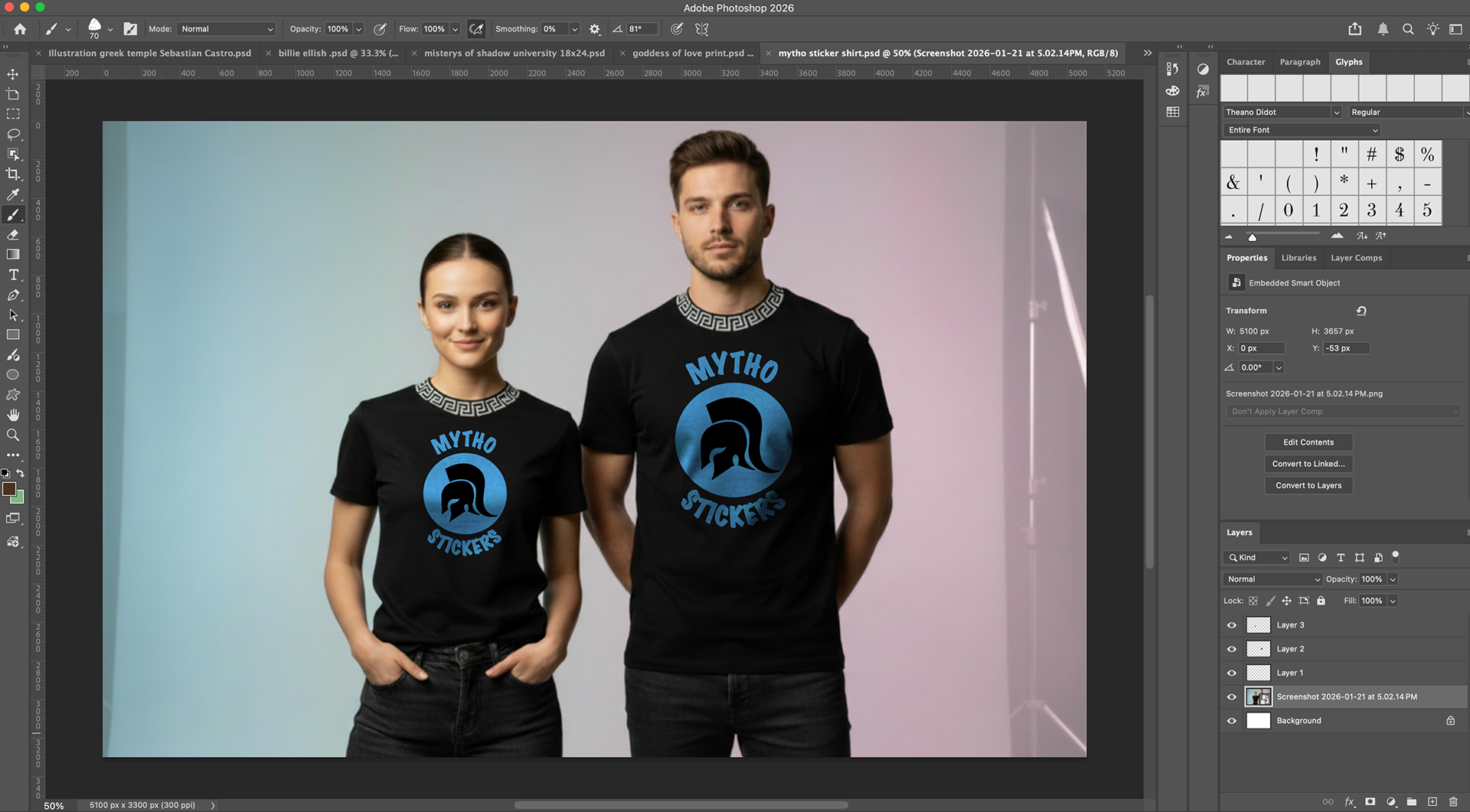
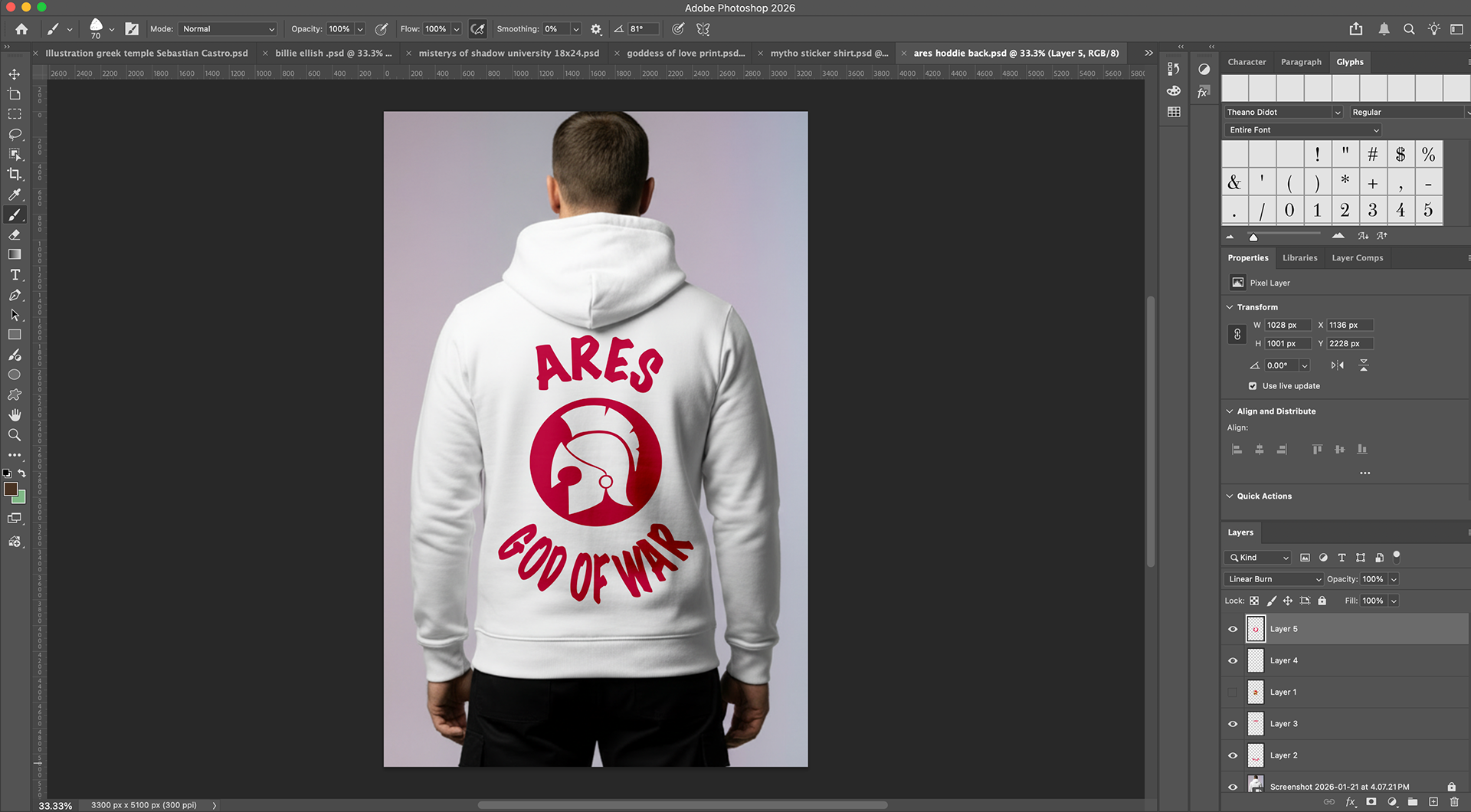
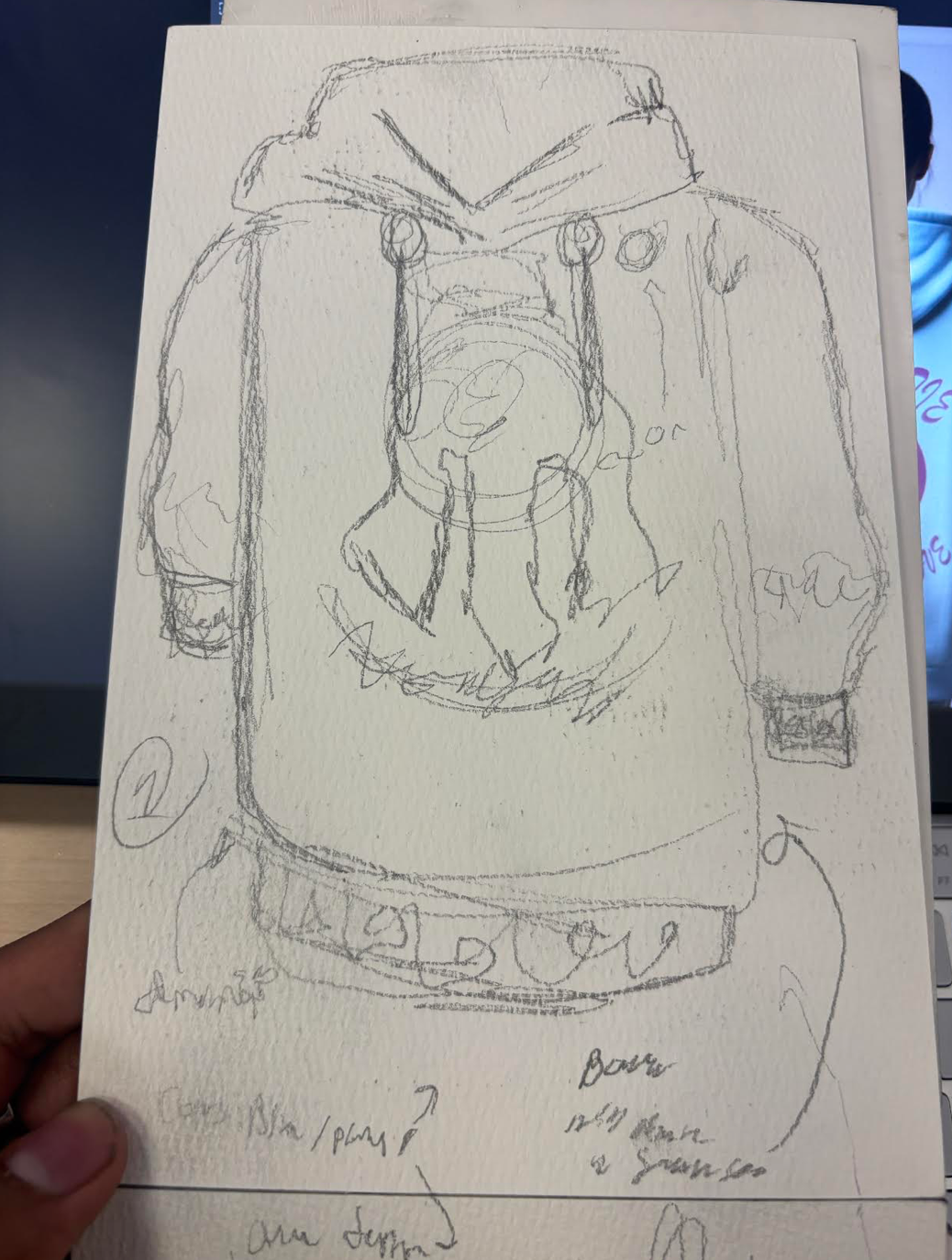
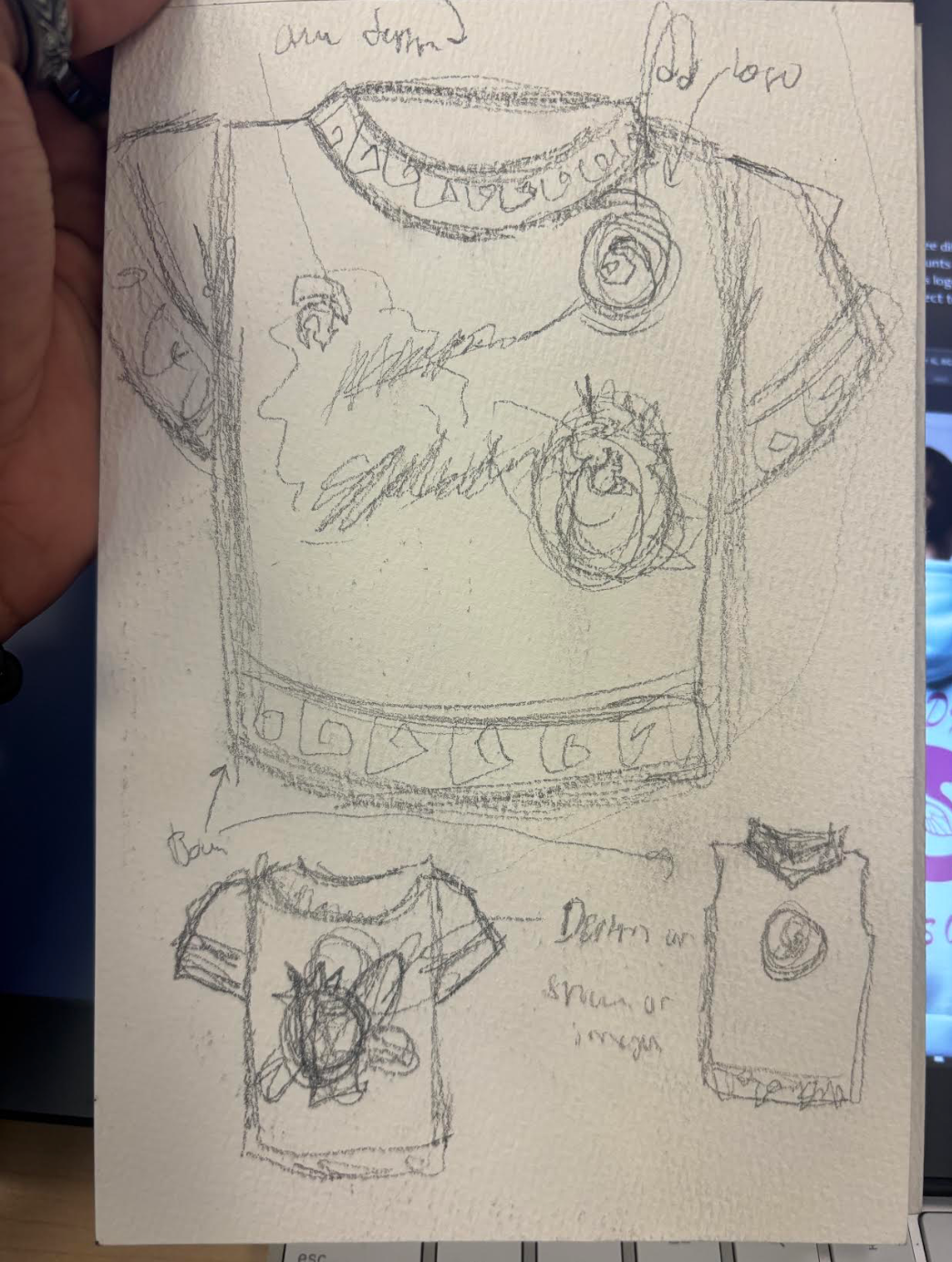
For this phase of my project, I created three different clothing products for my brand. The first two are hoodies inspired by Ares and Aphrodite, each featuring different fonts and designs that fit the god or goddess theme, all created in Illustrator. Additionally, I designed a shirt for the clothing line with the brand's logo on it, utilizing a nice shade of blue that complements the black shirt. For all three items, I applied a Linear Burn or Darken Burn effect to create the illusion that the prints are embedded on the clothing products..
early concept art
Phase 4. Advertisement Campaign
- The branding you are creating for the product needs some advertisement.
- Let's create a campaign that represents the product with its new identity through your branding!
- A campaign involves running the same ad on different platforms simultaneously with the same content.
- First, design a busy and complex magazine ad in US letter size.
- Then, adapt the content from the magazine ad for other smaller platforms.
- Make sure to adjust the content according to the platform's size; it’s logical to reduce the amount of content for platforms like Facebook or Instagram compared to a large magazine page.
Applications
InDesign
Description
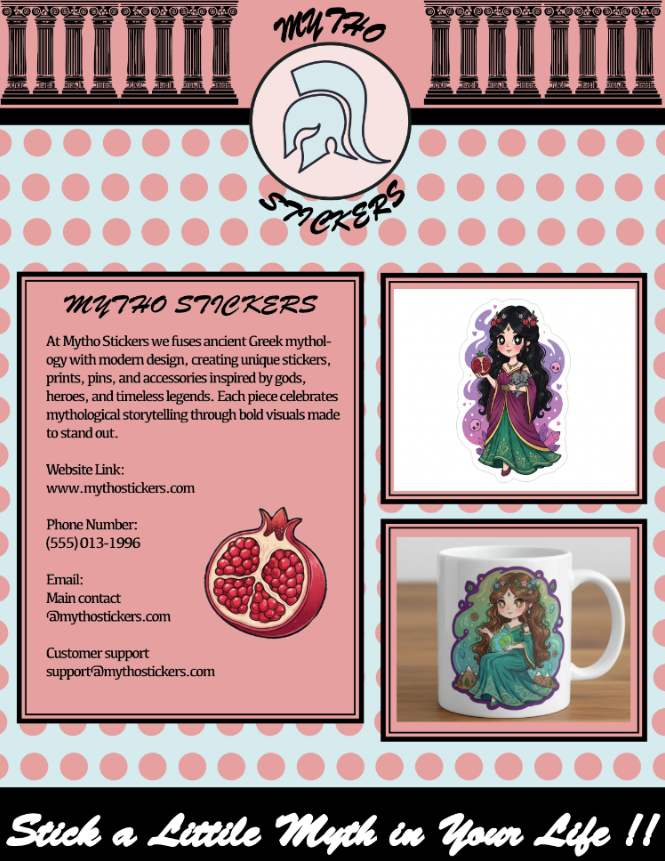
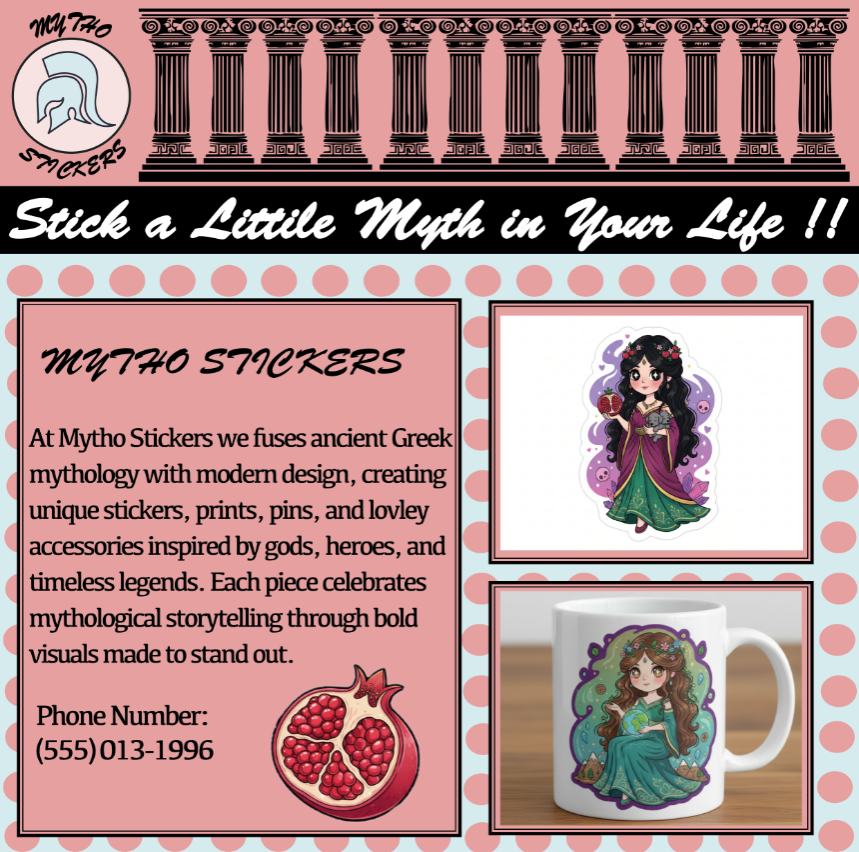
For this assignment, I had to create four different layouts of advertisements for my brand, Mytho Stickers. The magazine, Instagram, and Facebook ads were all done in InDesign, while the TikTok ad was created using Adobe Express. Most of the magazine design was resampled from previous works to maintain consistent brand elements, such as colors, patterns, and fonts. For the square borders, I added double line borders by selecting the thin design option and applying it to all borders containing images of the products. I sourced the pillars from Google and edited them in Illustrator before incorporating them into the advertisement. Once the magazine was completed, I reused the same elements for the Instagram and Facebook ads. However, due to the changes in layout size in InDesign, I had to minimize some information and designs. For the TikTok advertisement, I used Adobe Express and reused elements from the other three ads to complete the TikTok layout. Since Adobe Express does not support InDesign files, I first placed all the elements in Illustrator and then inserted them into Adobe Express. Finally, I added effects and music to fully create the TikTok ad.
Magazine Add
Instagram Add
Face Book Add
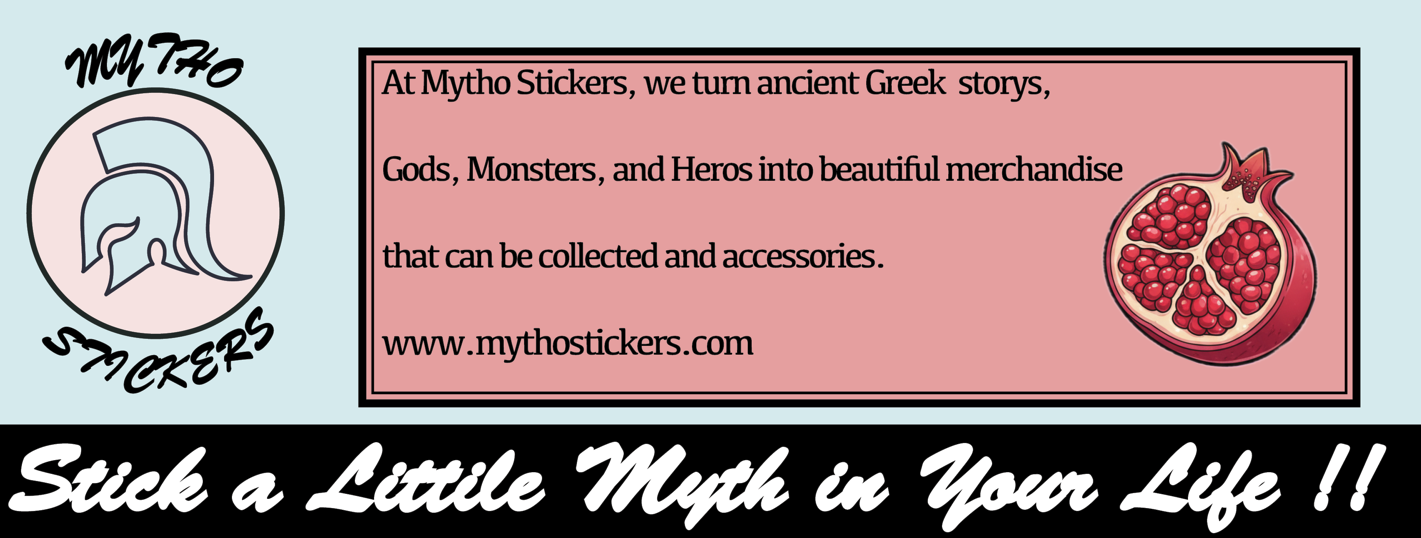
Tiktok Add